WINDOWS

PowerToys v0.94.1 released

PowerToys v0.94.1 released

Hi All,

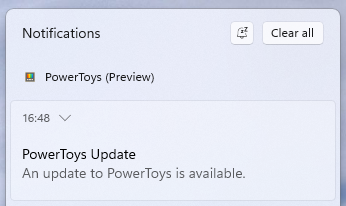
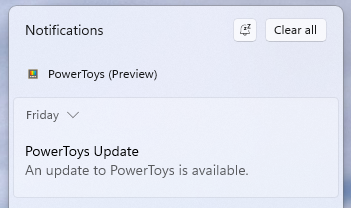
Today, i noticed that Microsoft has released a new Version of PowerToys.
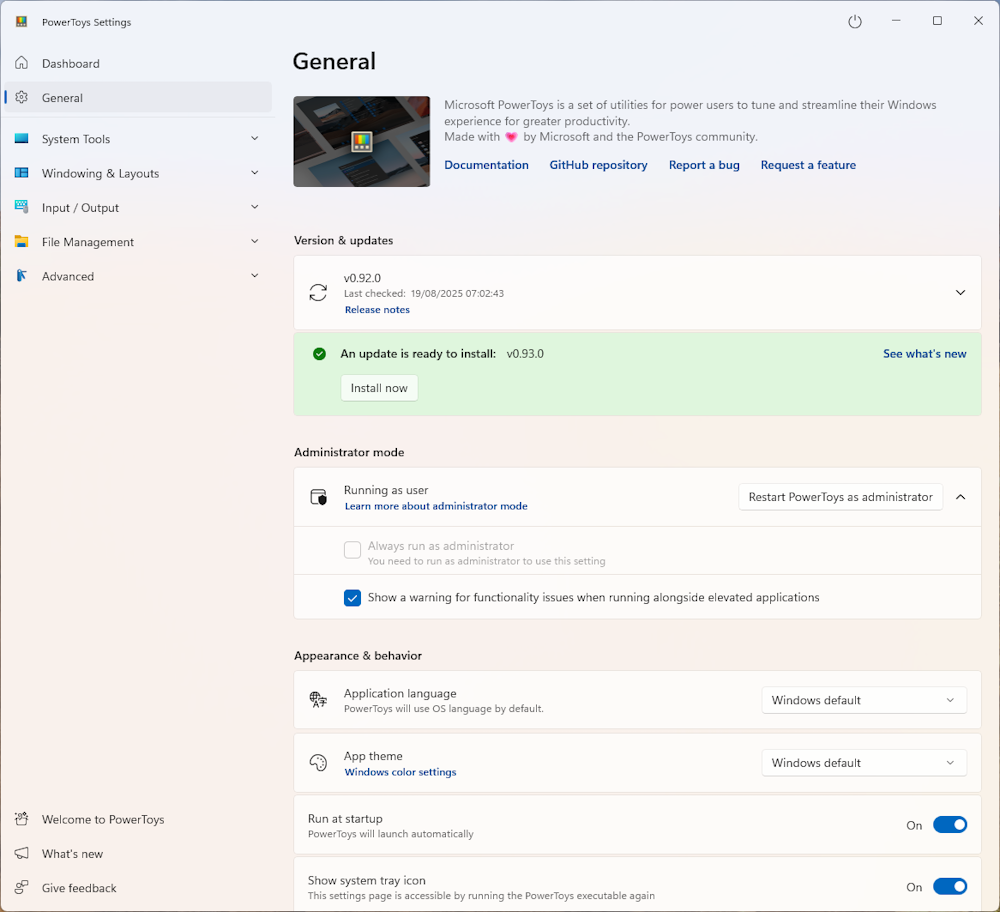
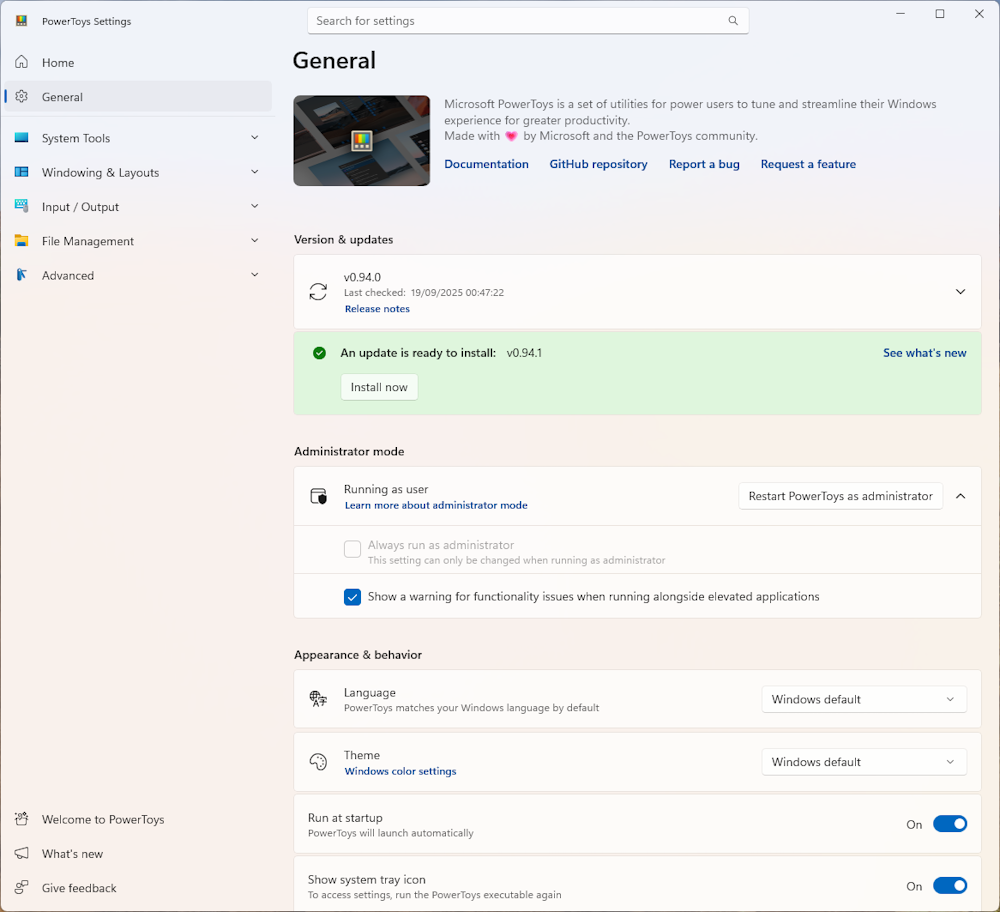
In the Main Window click on “Install now”
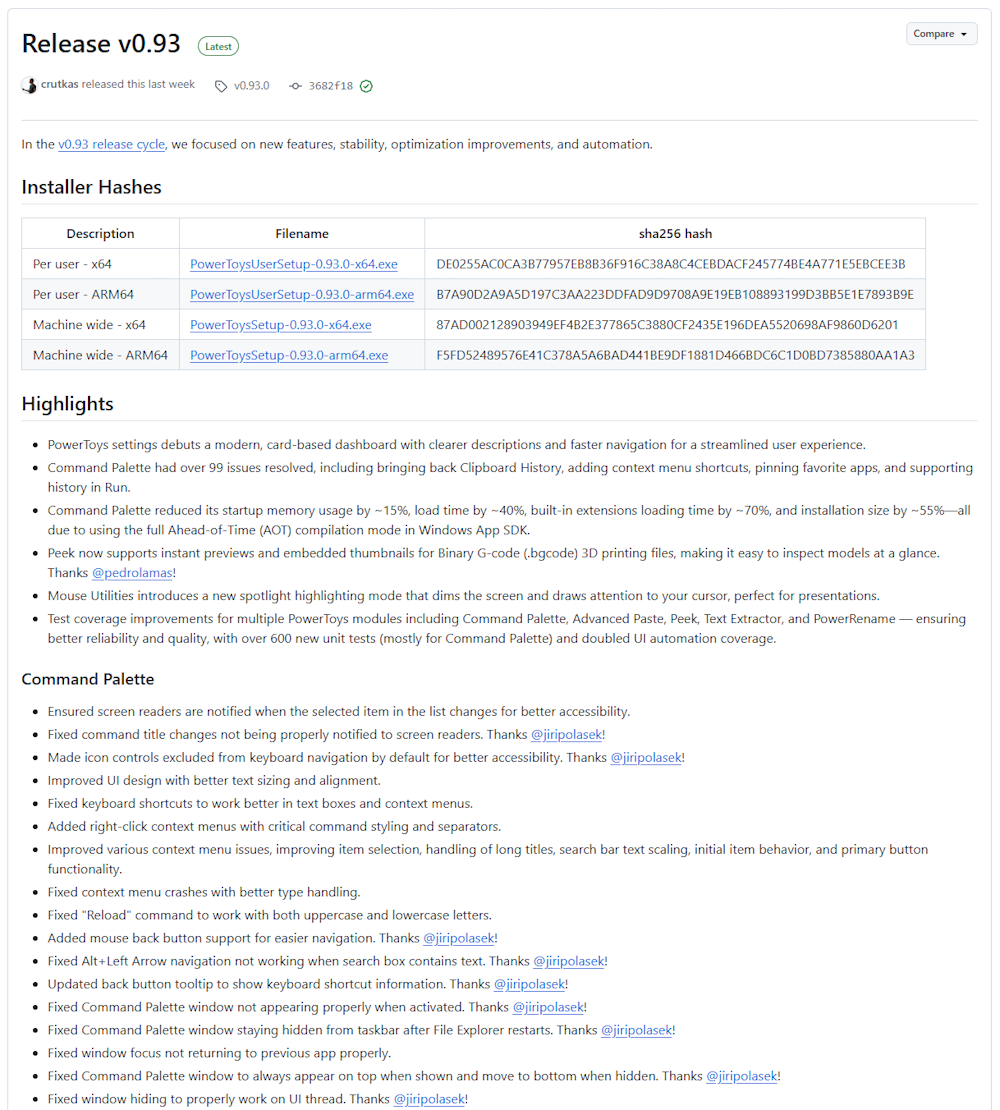
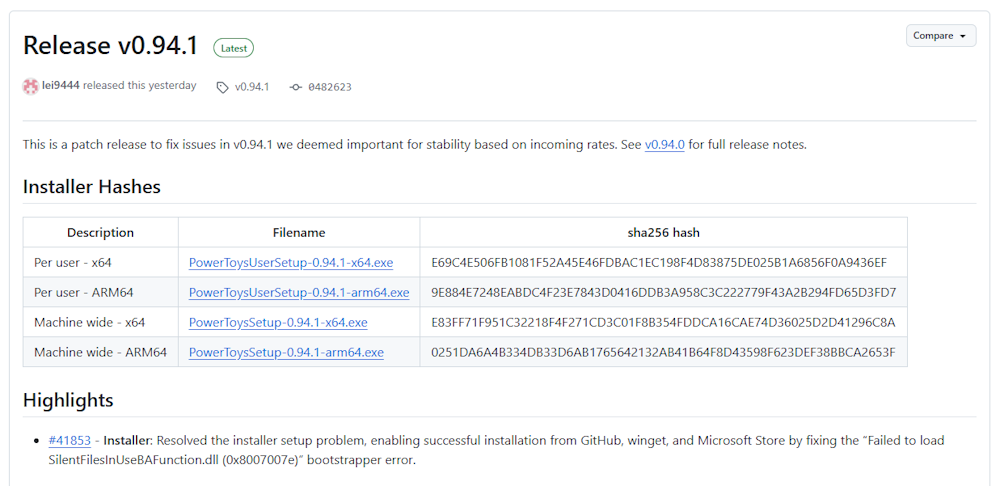
The Release notes can be found here: Release v0.94.1
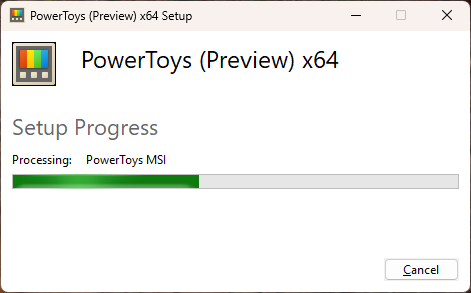
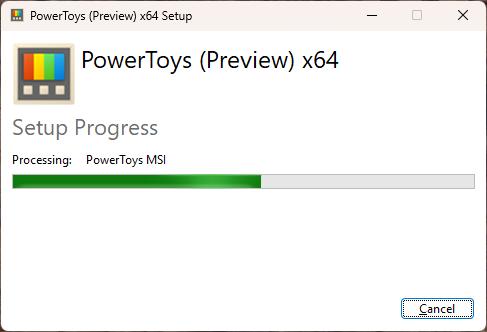
Installation in Progress
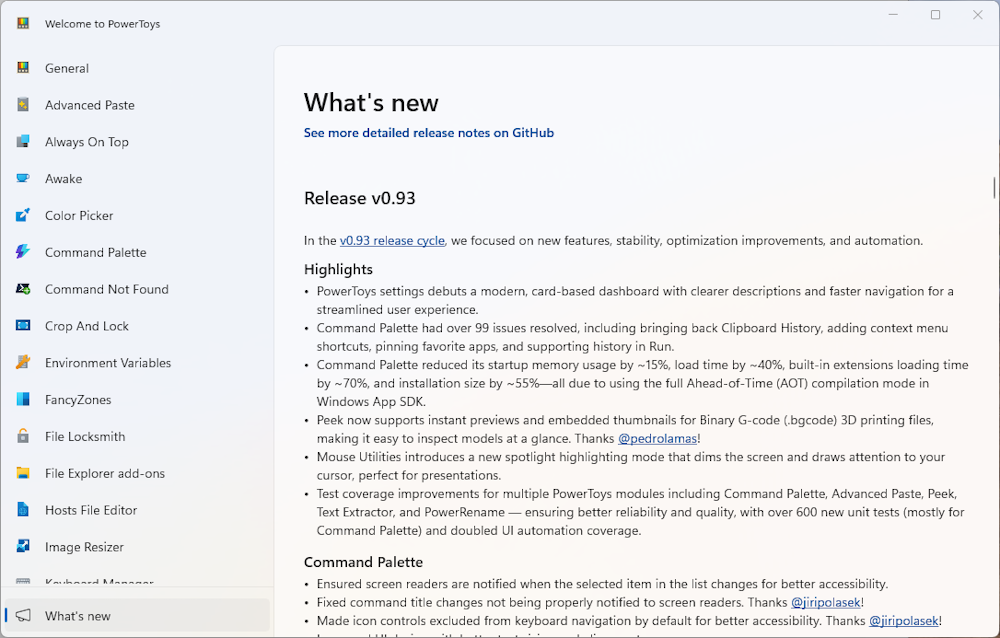
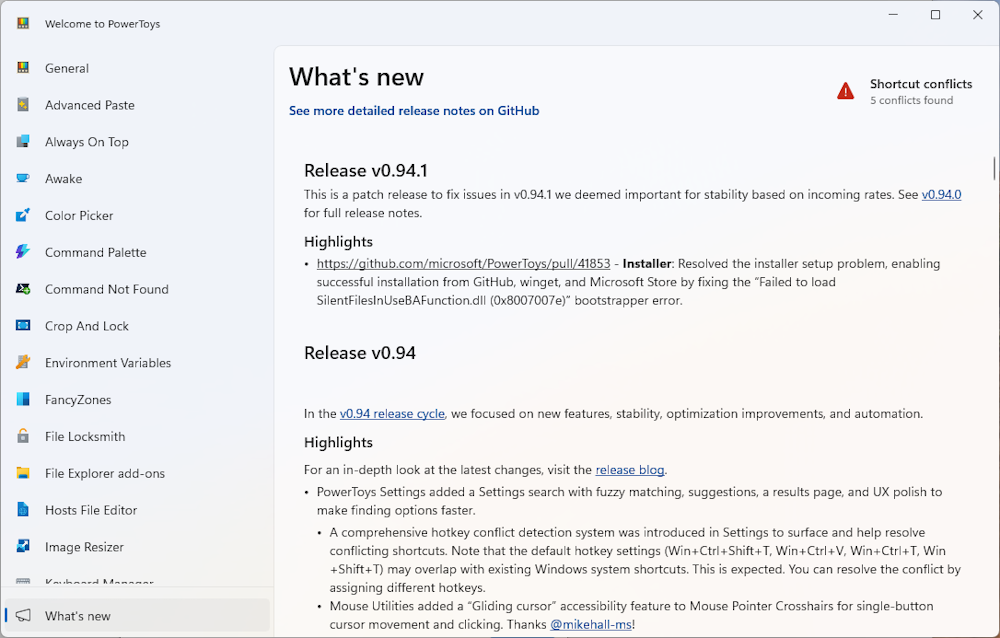
What’s new
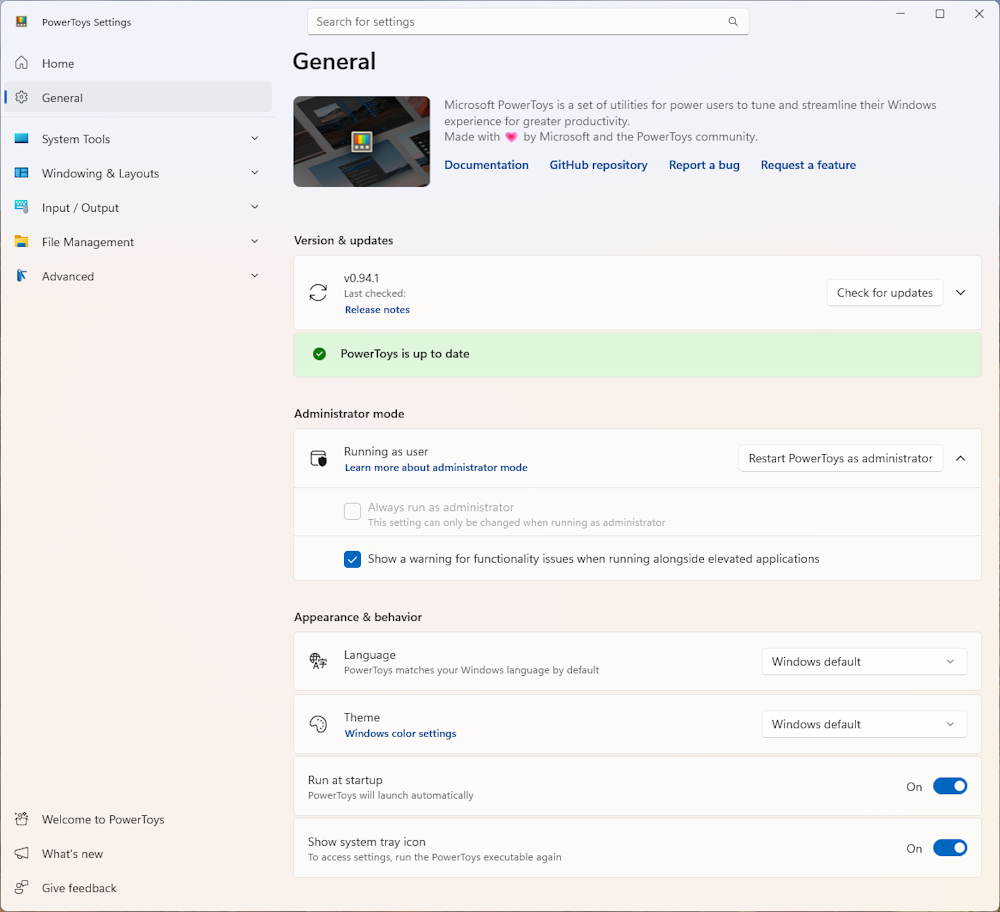
Updated PowerToys
Regards
Andres Bohren

Windows Logo

PowerToys v0.94.0 released

PowerToys v0.94.0 released

Hi All,

Today, i noticed that Microsoft has released a new Version of PowerToys. Due to Holidays i have been missed, that it’s already out about two Weeks.

In the Main Window click on “Install now”

The Release notes can be found here: Release v0.94.0

Installation in Progress

What’s new

Updated PowerToys

You can fix the Shortcut conflicts

Regards
Andres Bohren

Windows Logo

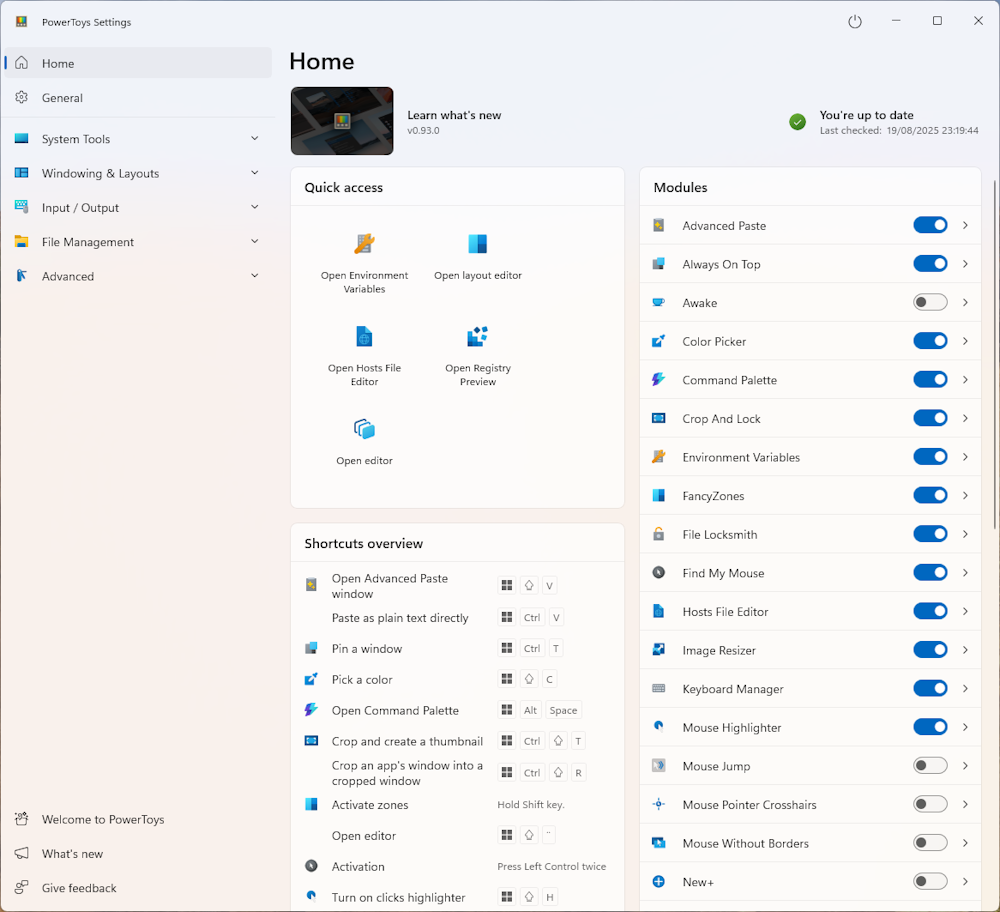
PowerToys v0.93.0 released

PowerToys v0.93.0 released

Hi All,

Today, i noticed that Microsoft has released a new Version of PowerToys.

In the Main Window click on “Install now”

The Release notes can be found here: Release v0.93.0

Installation in Progress

What’s new

Updated PowerToys

Regards
Andres Bohren

Windows Logo

Installing ADFS on Windows Server 2025

Installing ADFS on Windows Server 2025

Hi All,

For a Project i had to test something with ADFS. That’s why i have set up an Active Directory Federation Server/Service (ADFS) on a Windows Server 2025.

To be clear: I don’t advocte for installing ADFS. In contrary i still recommend to use Entra ID instead of ADFS and get rid of Federated Domain in M365.

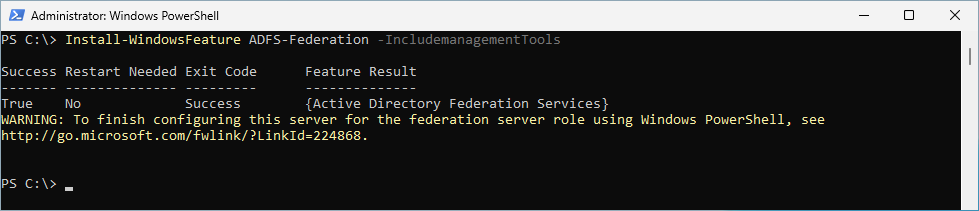
Install Windows Feature

Install-WindowsFeature ADFS-Federation -IncludemanagementTools

Certificate

There are many ways on how to get a public Certificate. These two ways i have documented with Blog Articles. But there are many more…

Install Sysinternals Suite with Winget

Install Sysinternals Suite with Winget

Hi All,

Recently i had the need to install the Sysinternals Suite. I used winget and thought i take some screenshots of that process.

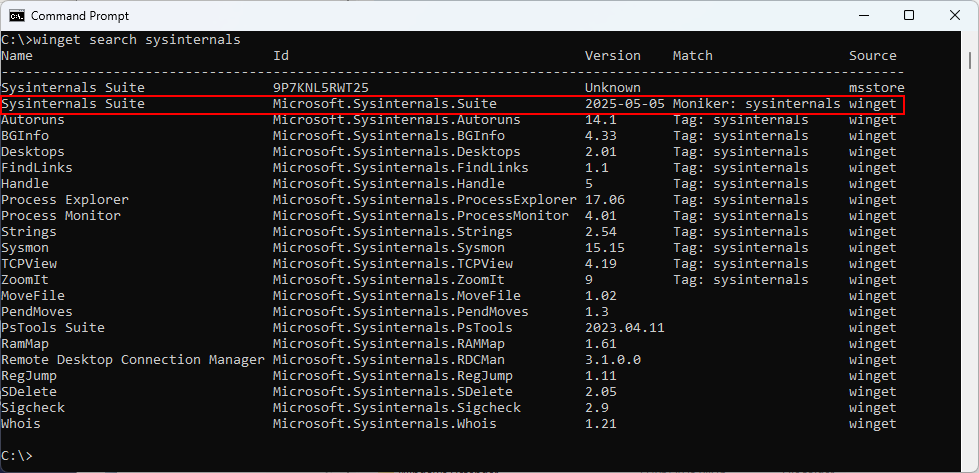
Let’s search for Sysinternals with winget

winget search sysinternals

Winget Install

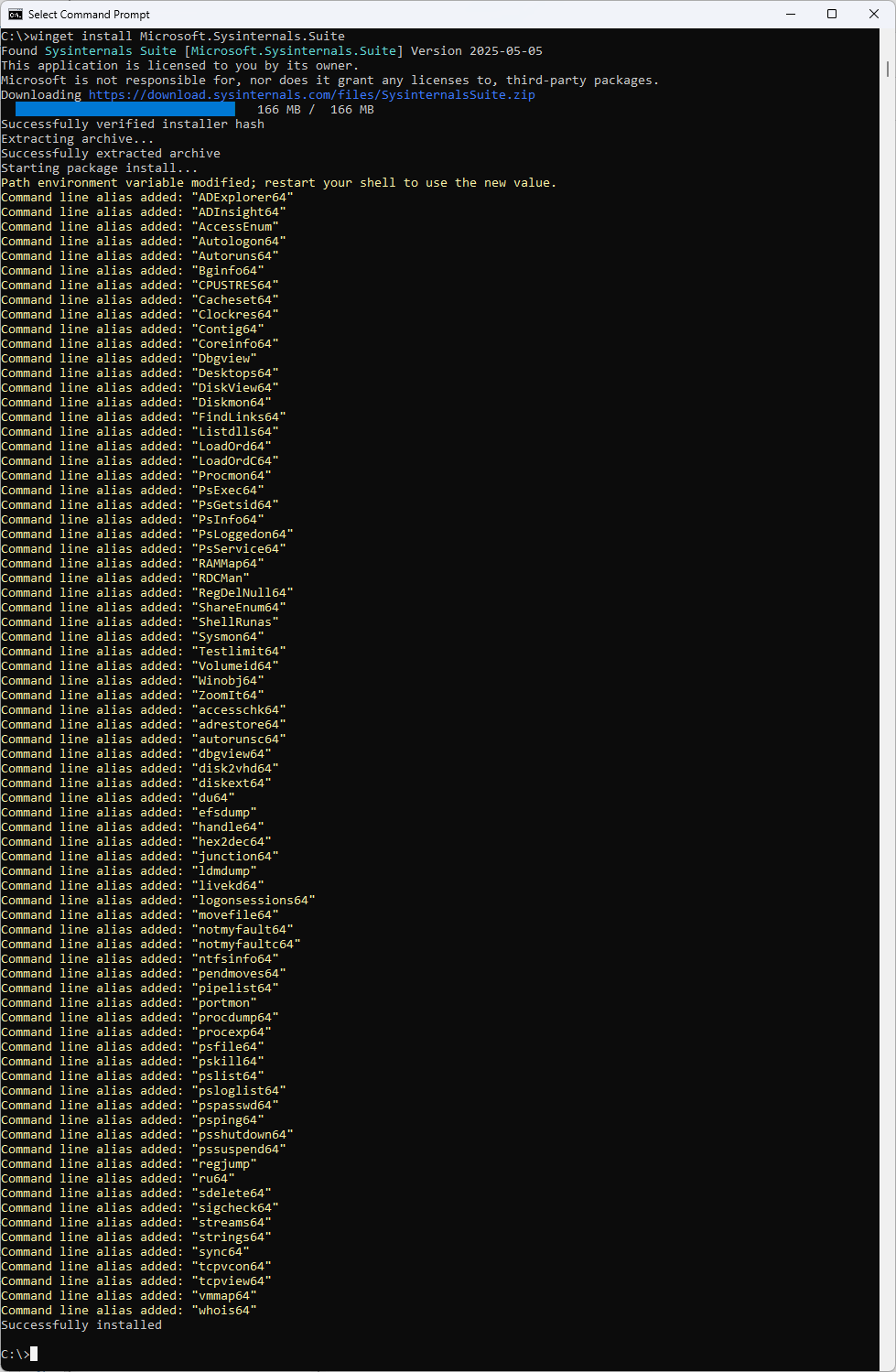
Now we can install Sysinternals Suite

winget install Microsoft.Sysinternals.Suite

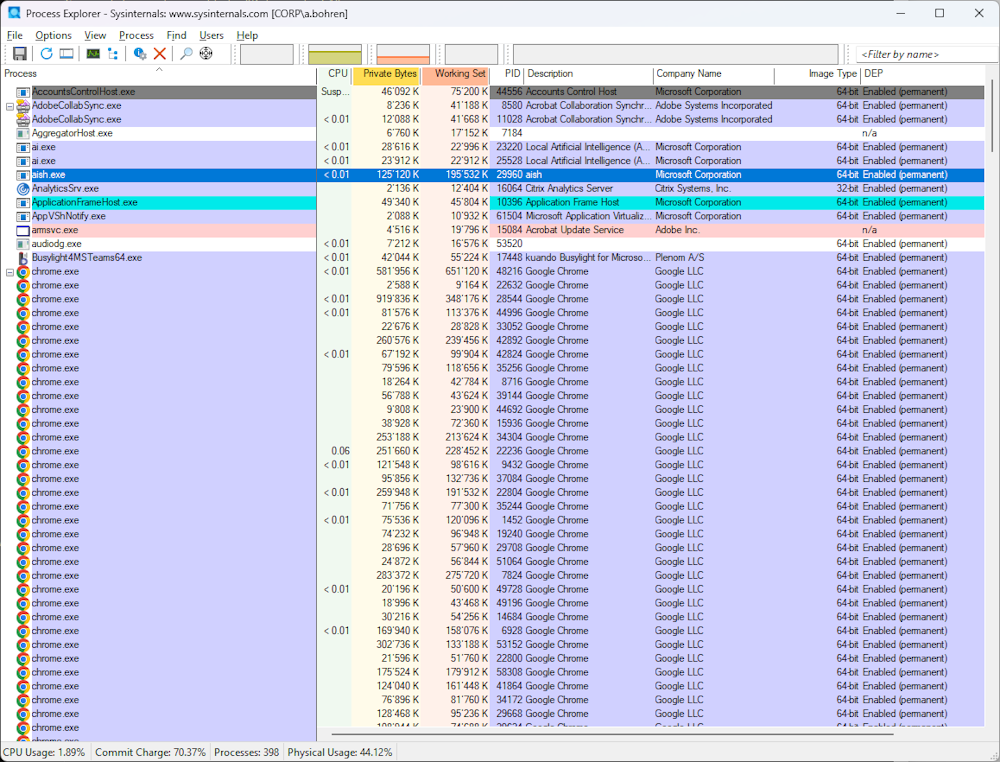
Start Process Explorer

procexp64

Starts right up - job done

Summary

It’s real easy to install Software with winget and use tools like Sysinternals Suite.

PowerToys v0.92.0 released

PowerToys v0.92.0 released

Hi All,

Today, i noticed that Microsoft has released a new Version of PowerToys.

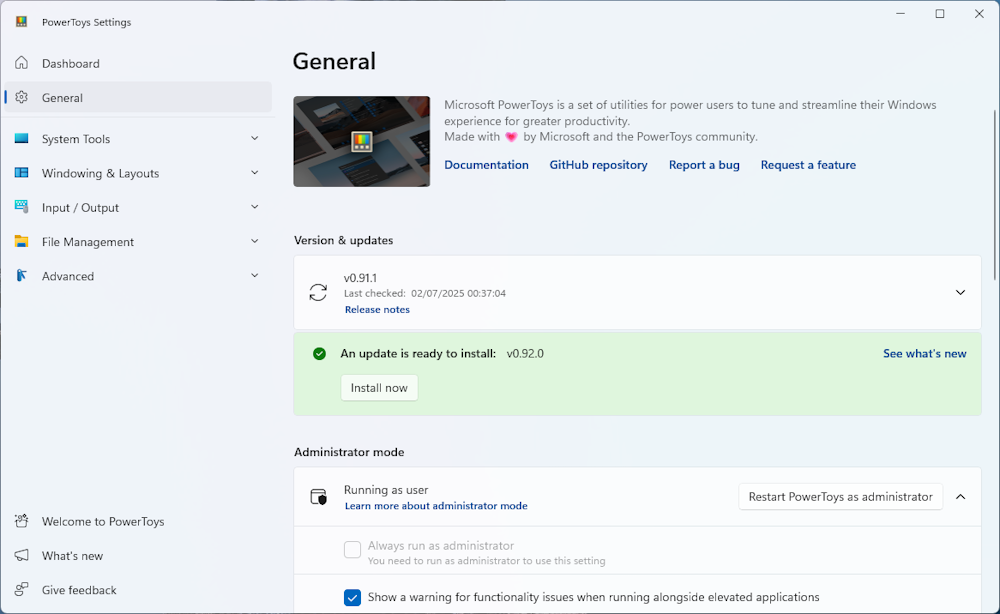
In the Main Window click on “Install now”

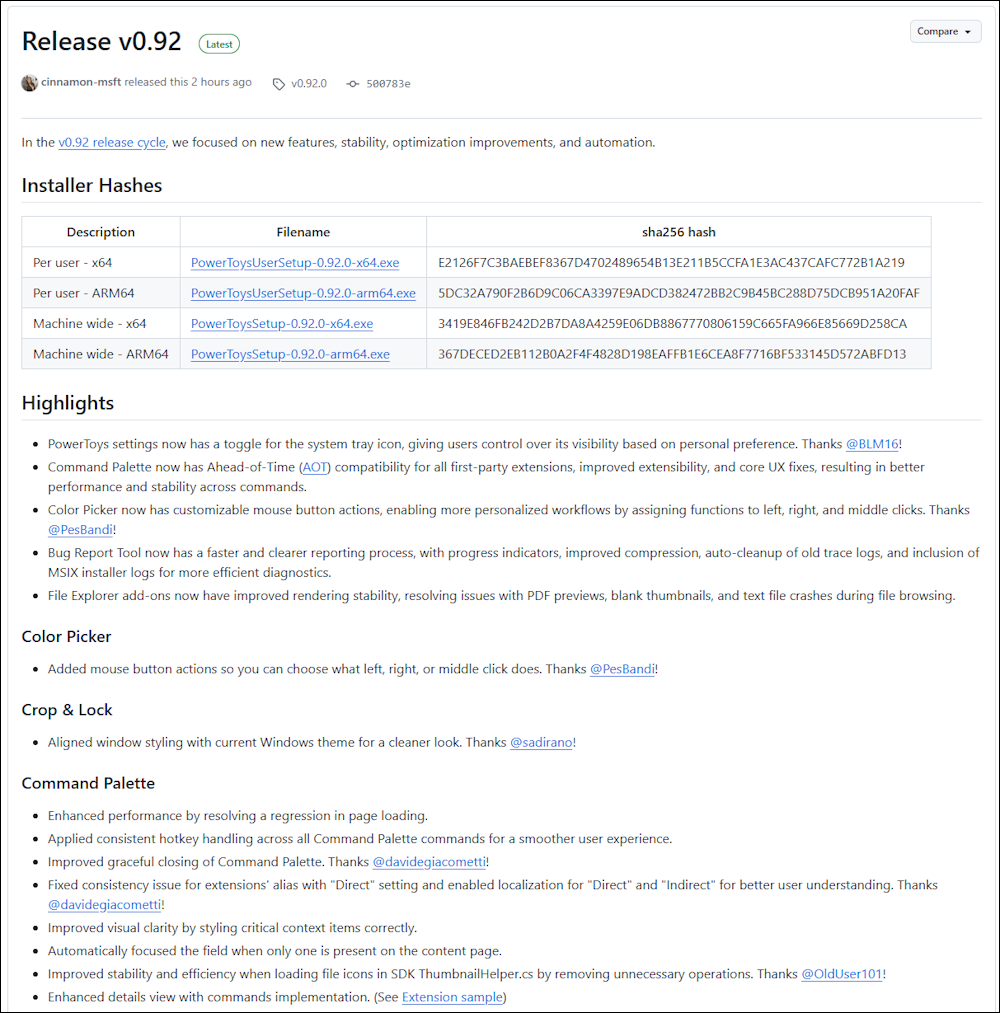
The Release notes can be found here: Release v0.92.0

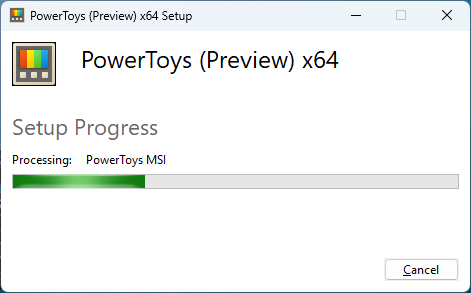
Installation in Progress

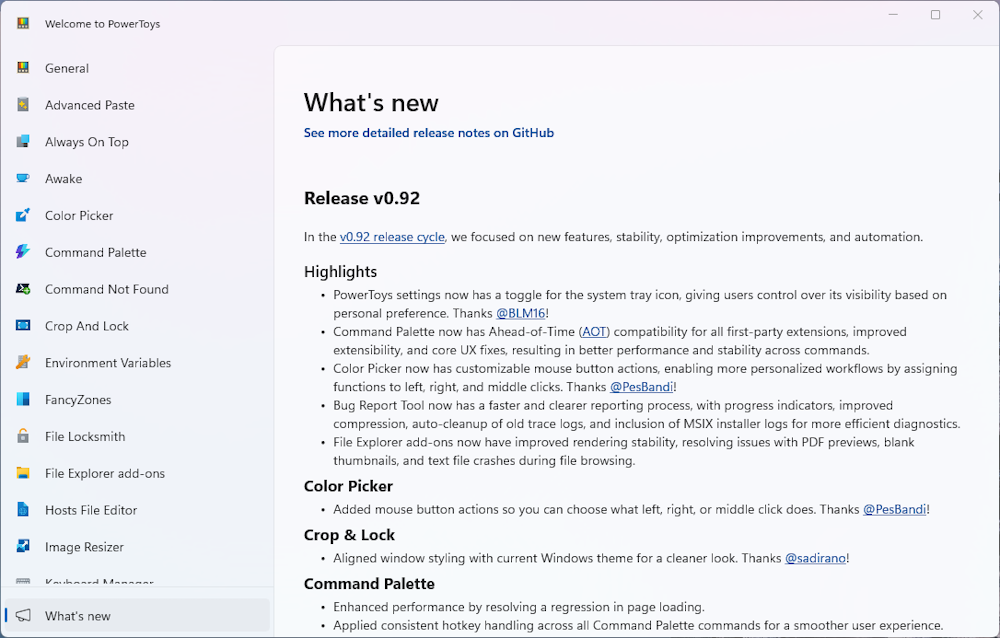
What’s new

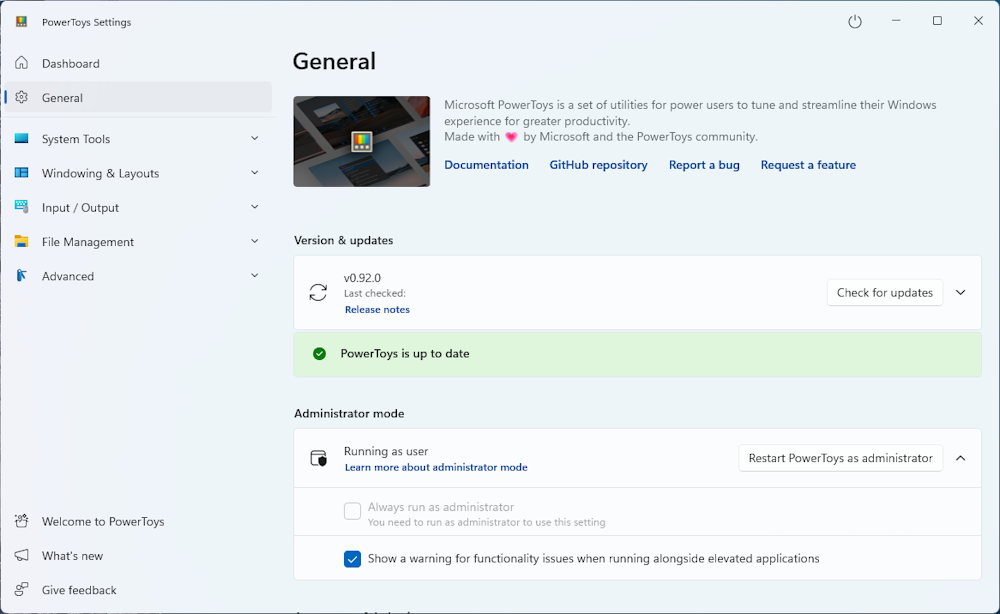
Updated PowerToys

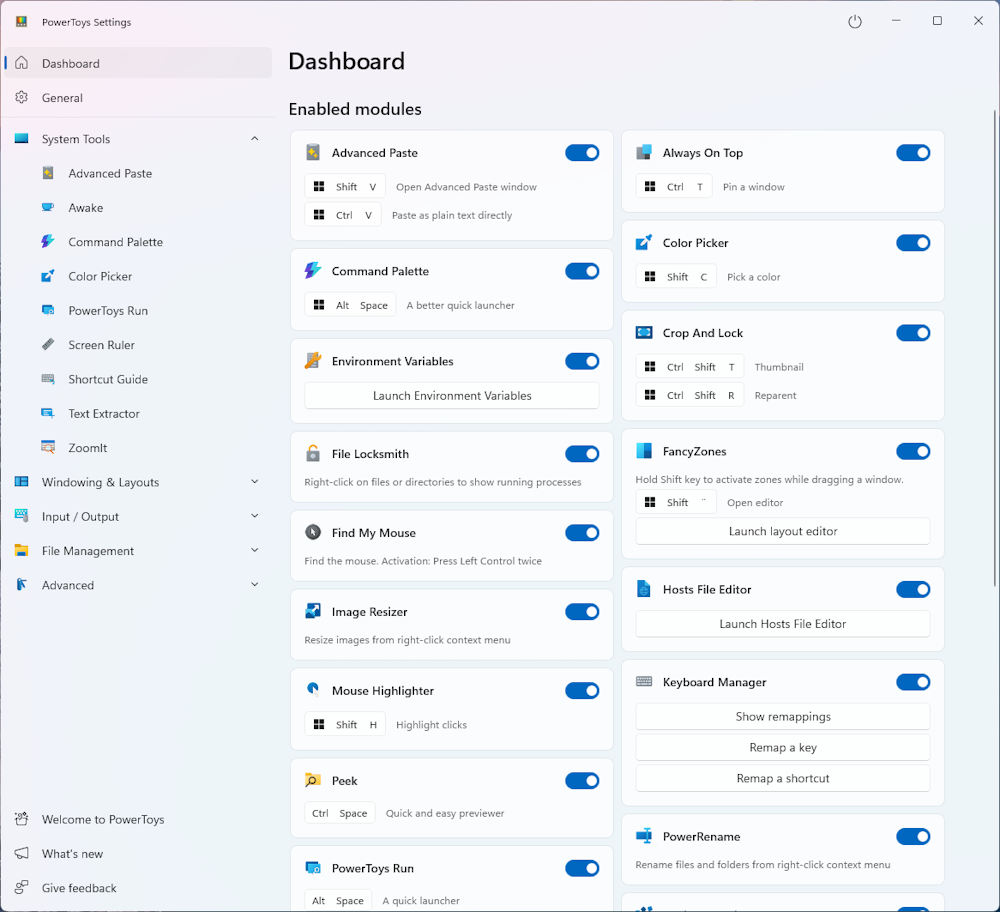
Dashboard

Regards
Andres Bohren

Windows Logo

Microsoft Remote Desktop for AVD and Windows 365 1.2.6347.0

Microsoft Remote Desktop for AVD and Windows 365 1.2.6347.0

Hi All,

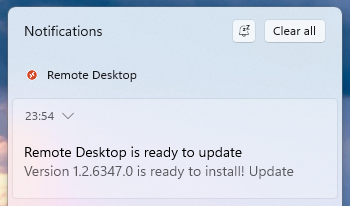
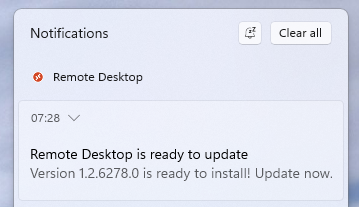
Today I was notified, that a new Version of the Microsoft Remote Desktop Client is available.

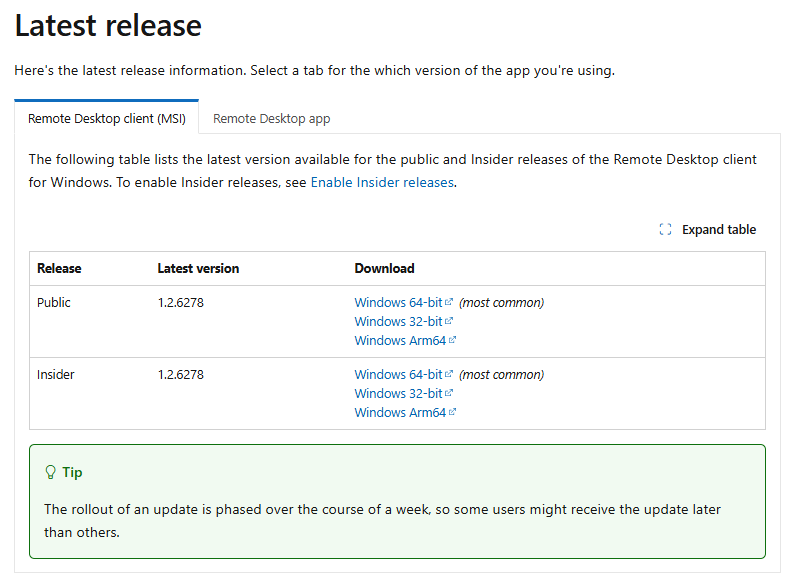
Release Notes: What’s new in the Remote Desktop client for Windows

Sadly it’s not yet updated there

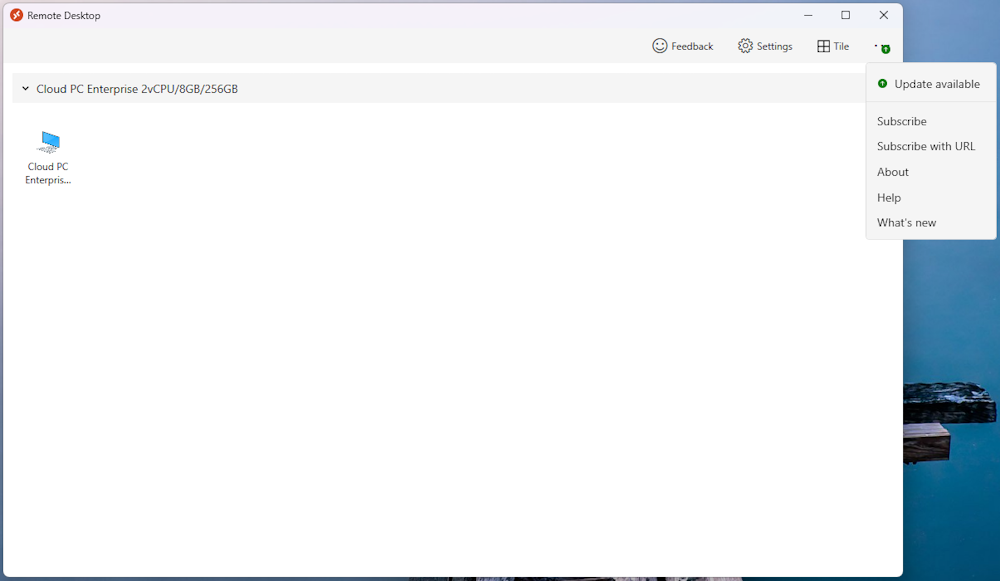
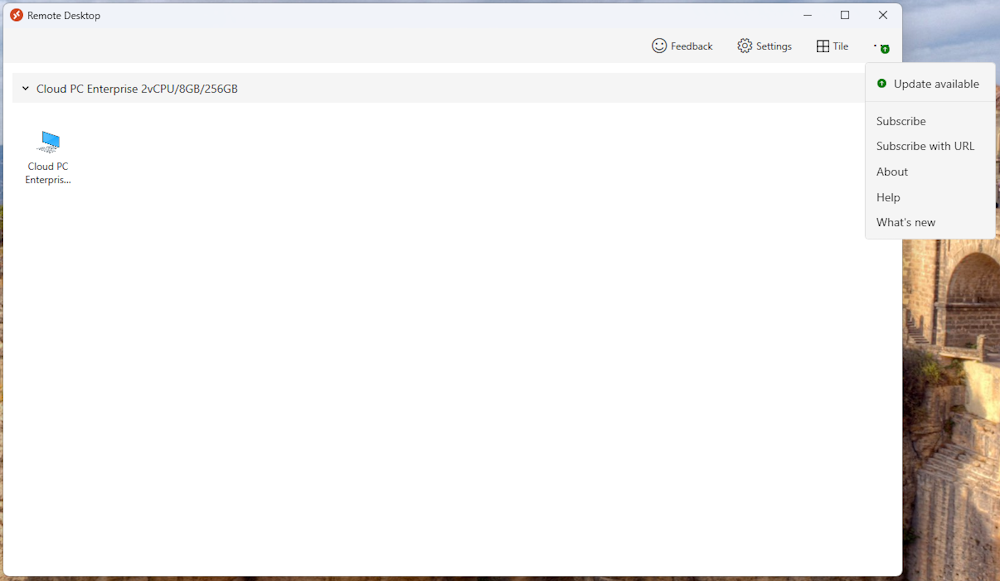
When you start the Microsoft Remote Desktop Client, it checks for Updates and you can see a green arrow, that indicates an Update

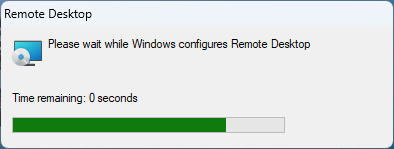
Installing the Update

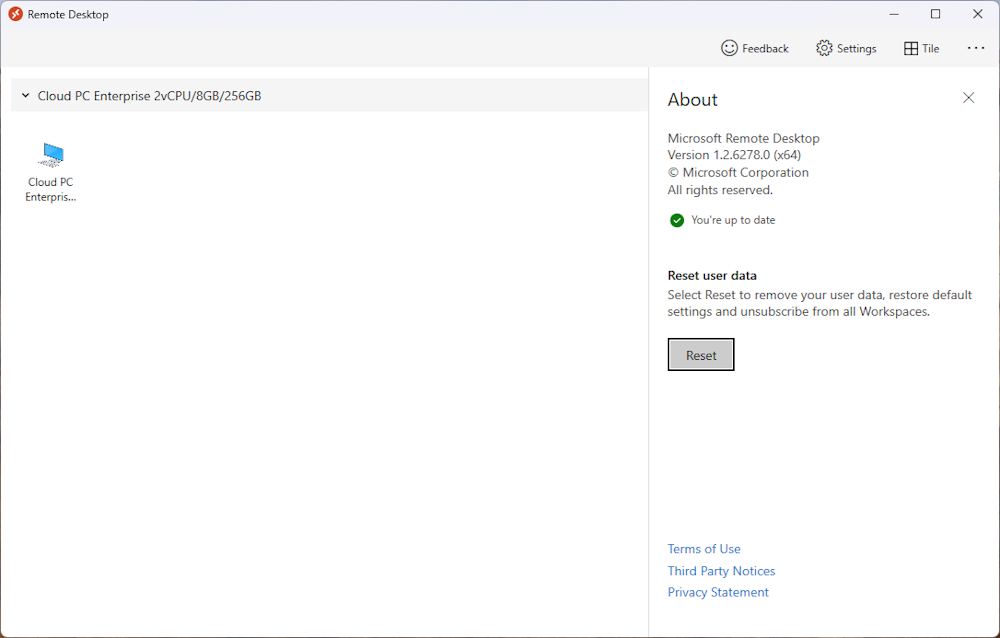
You can check the Versions by selecting the three dots on top right and select “About”

Microsoft Remote Desktop for AVD and Windows 365 1.2.6278

Microsoft Remote Desktop for AVD and Windows 365 1.2.6278

Hi All,

Today I was notified, that a new Version of the Microsoft Remote Desktop Client is available.

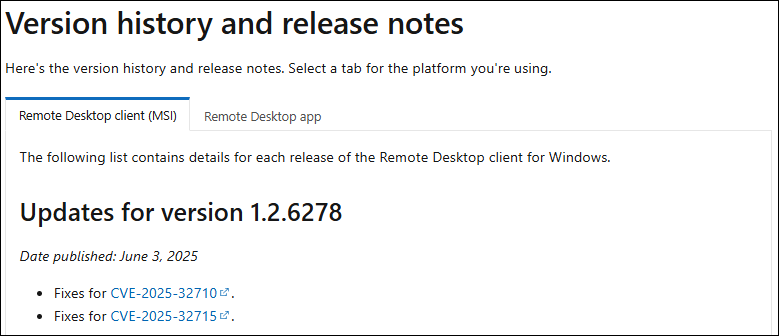
Release Notes: What’s new in the Remote Desktop client for Windows

  • Fixes for CVE-2025-32710
  • Fixes for CVE-2025-32715

When you start the Microsoft Remote Desktop Client, it checks for Updates and you can see a green arrow, that indicates an Update

Installing the Update

You can check the Versions by selecting the three dots on top right and select “About”

PowerToys v0.91.1 released

PowerToys v0.91.1 released

Hi All,

I noticed that Microsoft has released a new Version of PowerToys.

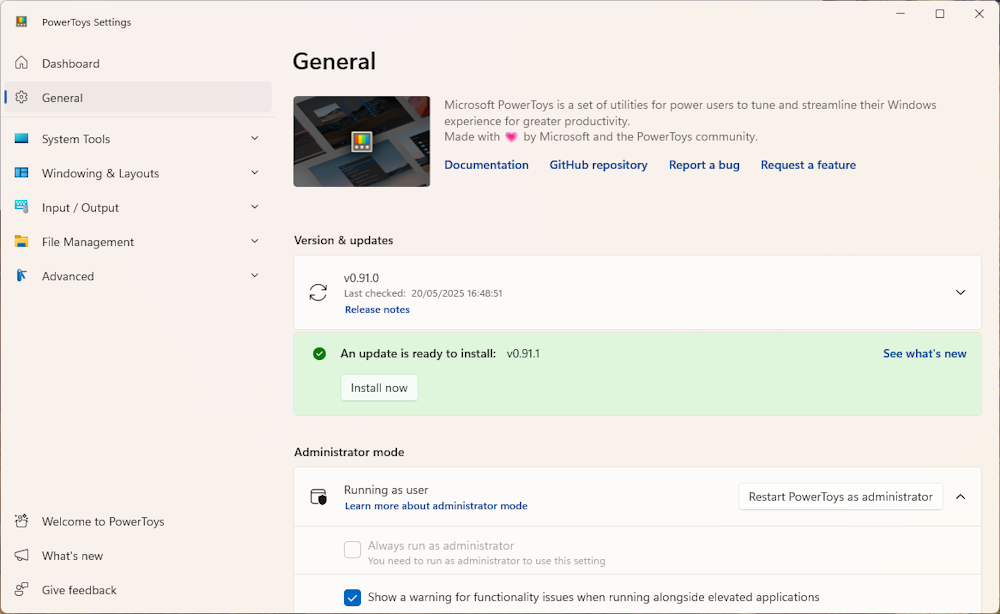
In the Main Window click on “Install now”

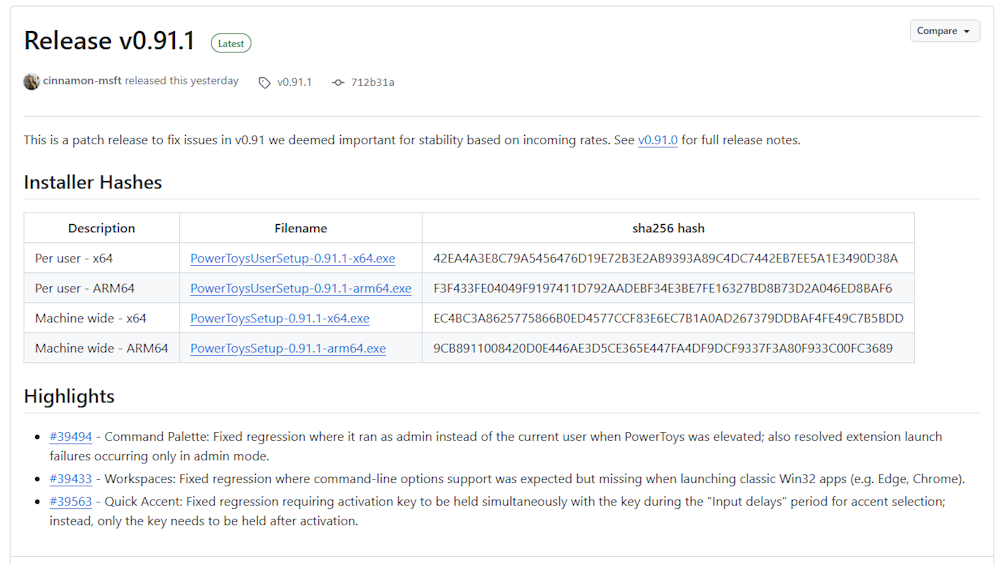
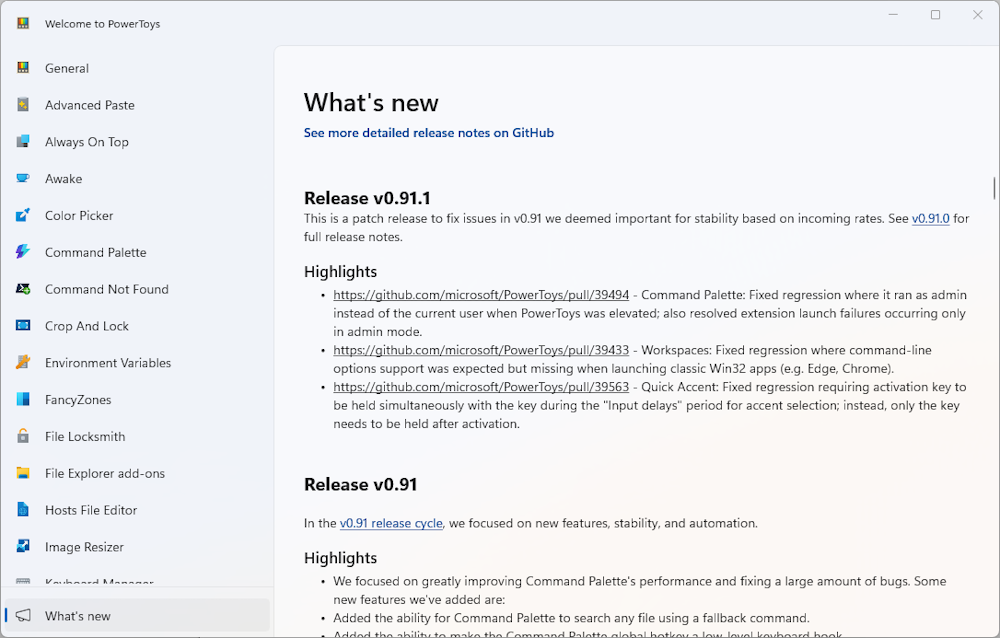
The Release notes can be found here: Release v0.91.1

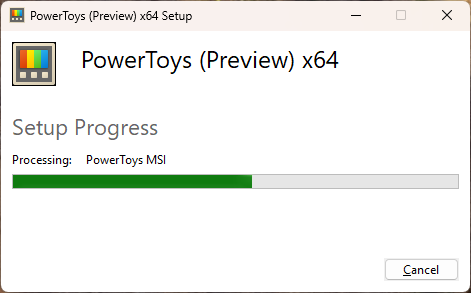
Installation in Progress

What’s new

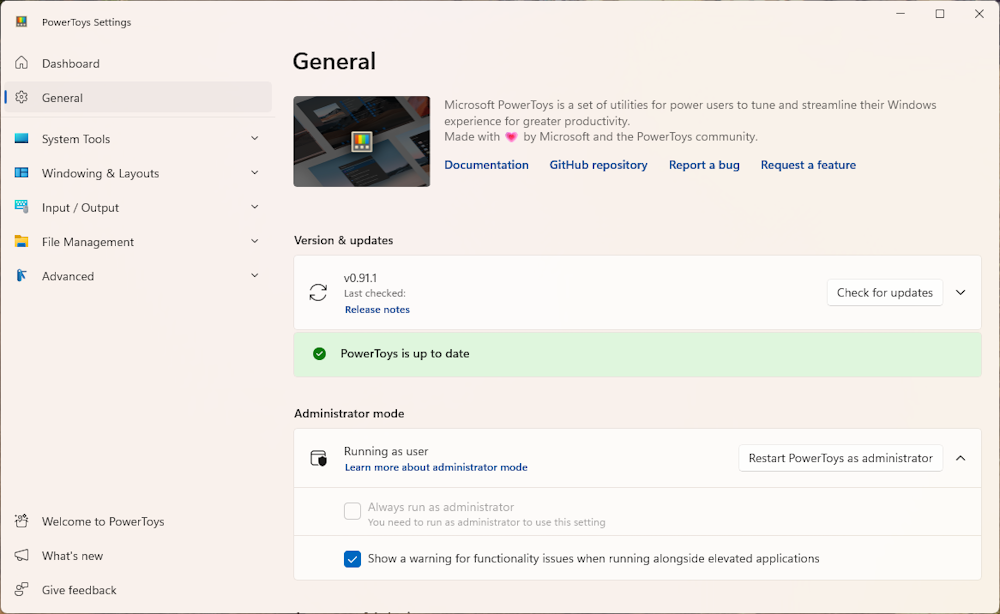
Updated PowerToys

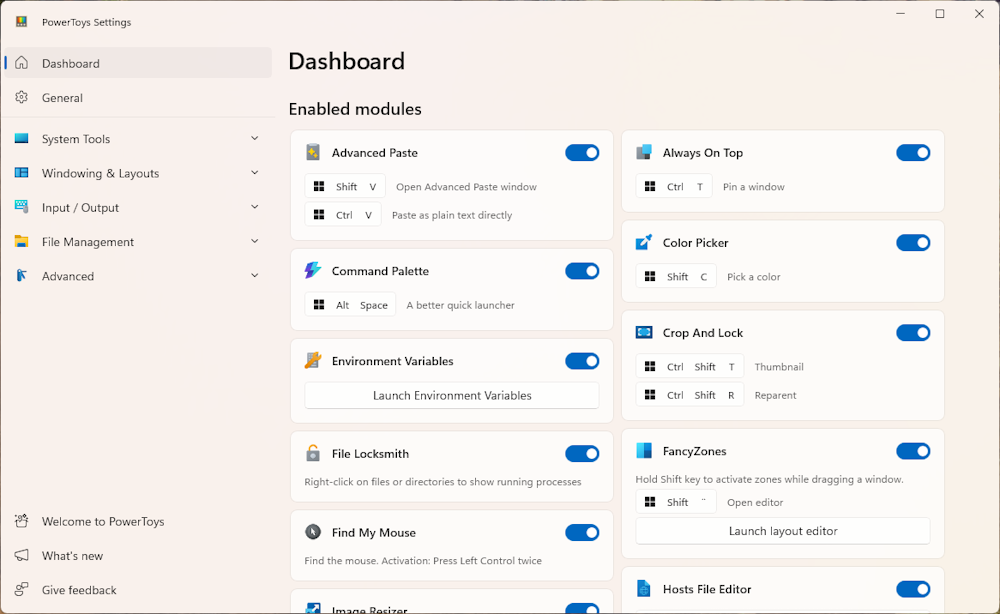
Dashboard

Regards
Andres Bohren

Windows Logo