
Disable Viva Insights Outlook Add-In

Hi All,
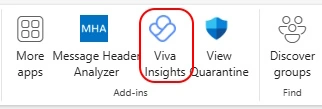
I’ve had a customer that wanted to disable the Viva Insights Outlook Add-In
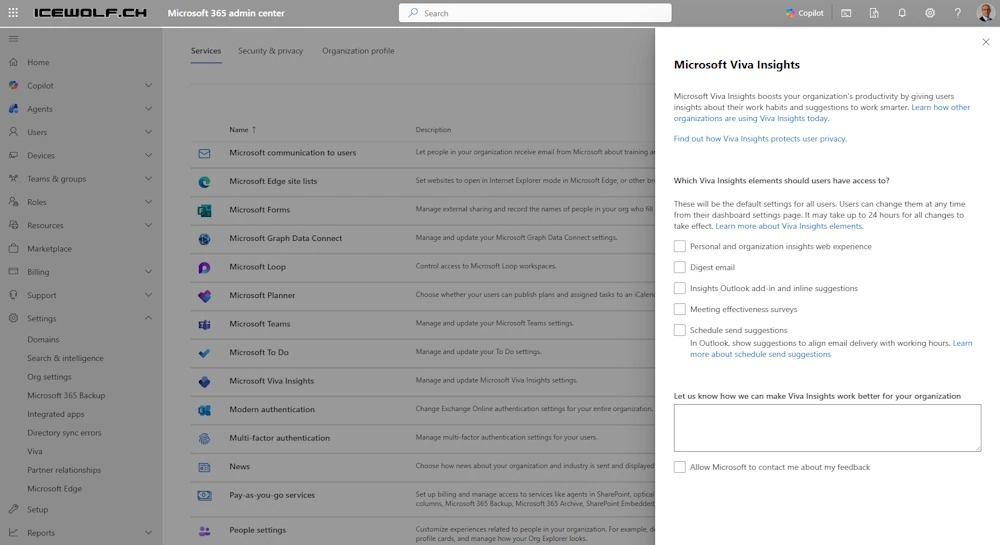
I did check the M365 Admin Center > Settings > Org Settings > Microsoft Viva Insights > Everything was disabled
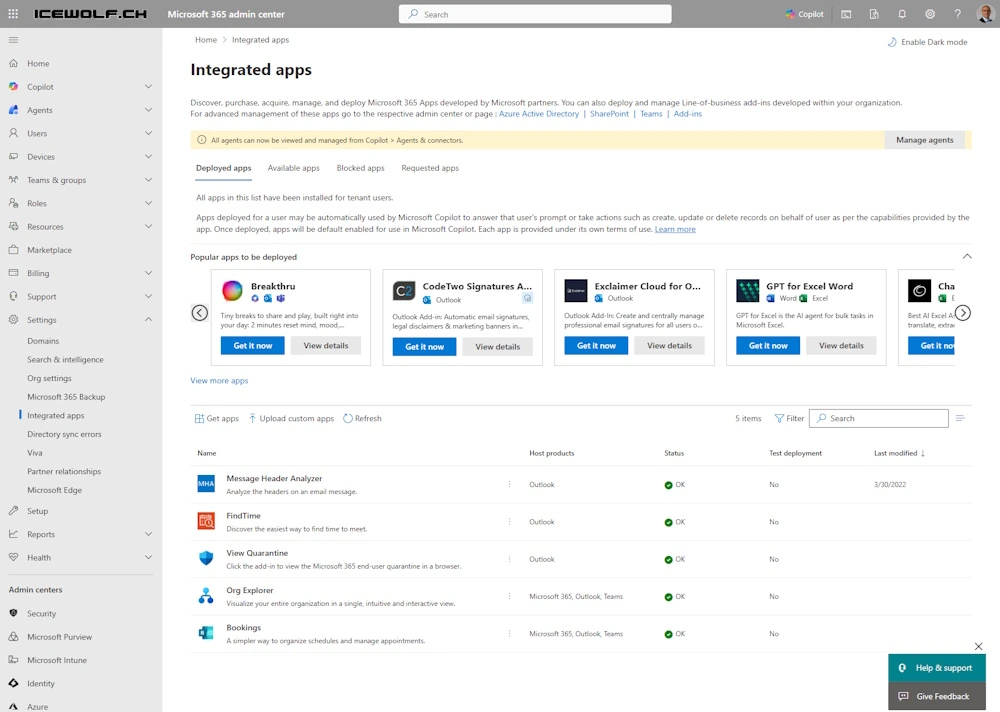
I’ve checked the M365 Admin Center > Settings > Integrated Apps
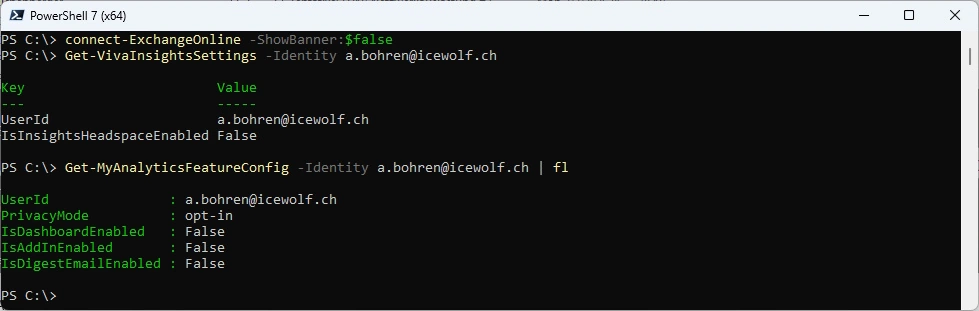
I’ve checked with PowerShell
Connect-ExchangeOnline -ShowBanner:$false
Get-VivaInsightsSettings -Identity a.bohren@icewolf.ch
Get-MyAnalyticsFeatureConfig -Identity a.bohren@icewolf.ch | fl
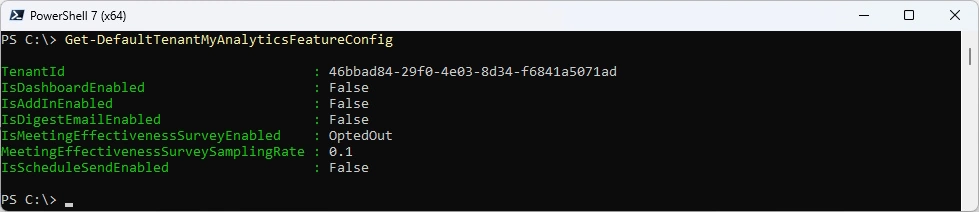
DefaultTenantMyAnalyiticsFeatureConfig
Get-DefaultTenantMyAnalyiticsFeatureConfig
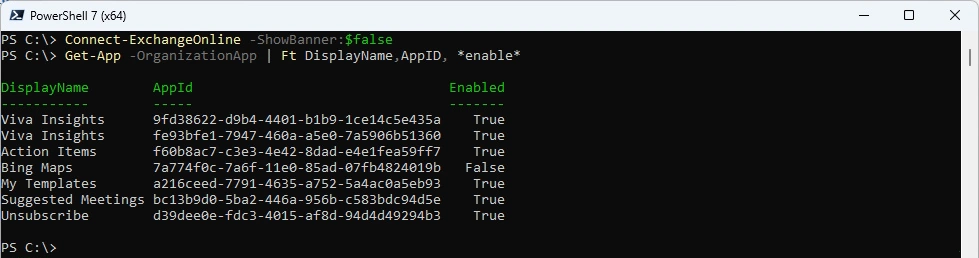
Found the OrganizationApp with the Help of Microsoft
Get-App -OrganizationApp | ft DisplayName, AppId, *enable*
Disable the OrganizationApp
Set-App -OrganizationApp -Identity 9fd38622-d9b4-4401-b1b9-1ce14c5e435a -ProvidedTo SpecificUsers -UserList $null -Enabled $false -DefaultStateForUser Disabled
Set-App -OrganizationApp -Identity fe93bfe1-7947-460a-a5e0-7a5906b51360  -ProvidedTo SpecificUsers -UserList $null -Enabled $false -DefaultStateForUser Disabled

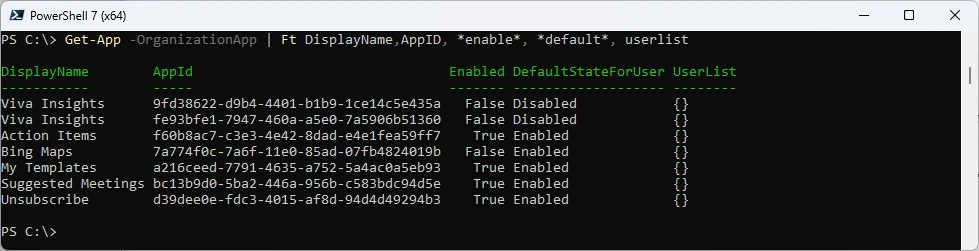
List the App after disabling
Get-App -OrganizationApp | Ft DisplayName,AppID, *enable*, *default*, userlist
Check per user Setting
Get-App -Identity 9fd38622-d9b4-4401-b1b9-1ce14c5e435a -Mailbox "a.bohren@icewolf.ch" | Ft DisplayName,AppId,*enable*
Get-App -Identity fe93bfe1-7947-460a-a5e0-7a5906b51360 -Mailbox "a.bohren@icewolf.ch" | Ft DisplayName,AppId,*enable*
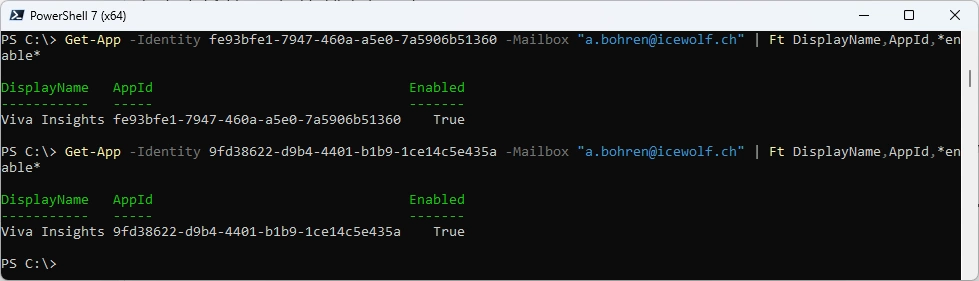
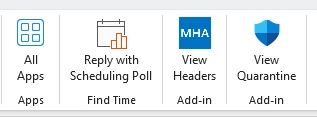
It takes 24 Hours to apply - but then the MyAnalytics Outlook Add-In was gone
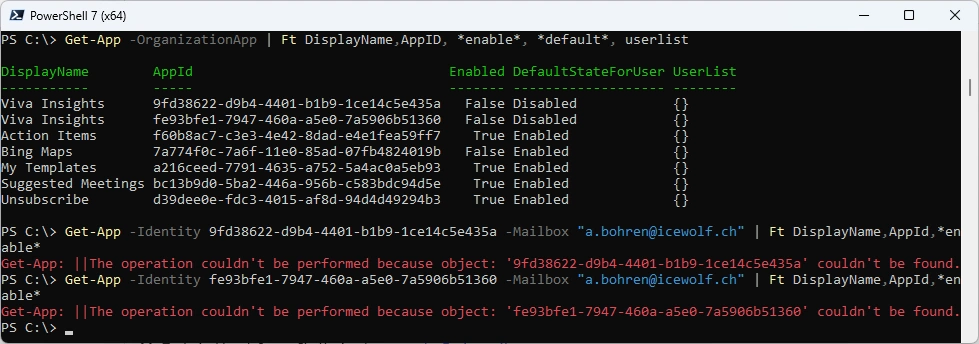
Check again with PowerShell
Get-App -OrganizationApp | Ft DisplayName,AppID, *enable*, *default*, userlist
Get-App -Identity 9fd38622-d9b4-4401-b1b9-1ce14c5e435a -Mailbox "a.bohren@icewolf.ch" | Ft DisplayName,AppId,*enable*
Get-App -Identity fe93bfe1-7947-460a-a5e0-7a5906b51360 -Mailbox "a.bohren@icewolf.ch" | Ft DisplayName,AppId,*enable*
Regards
Andres Bohren
Exchange Logo M365 Logo PowerShell Logo

