
Azure Active Directory Connect GroupWritebackV2
Hi All,
It’s been a while since i blogged about Group Writeback. Now there are some new Scenarios in the Preview: AAD Connect GroupWritebackV2.
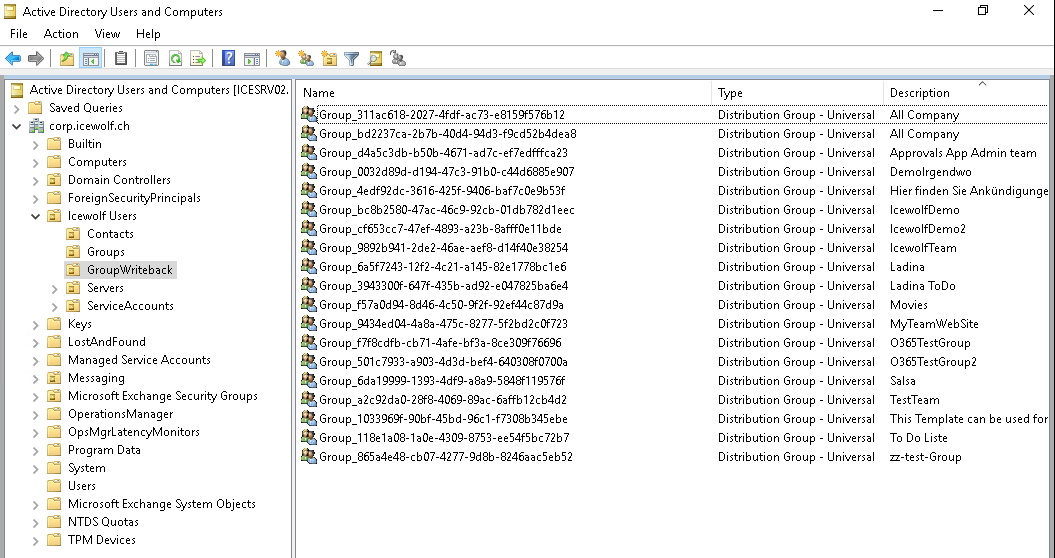
I have GroupWriteback enabled and it looks like this
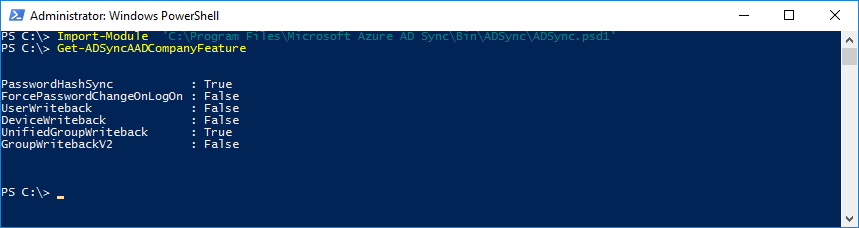
Let’s check the current Settings
Import-Module  'C:\Program Files\Microsoft Azure AD Sync\Bin\ADSync\ADSync.psd1'
Get-ADSyncAADCompanyFeature
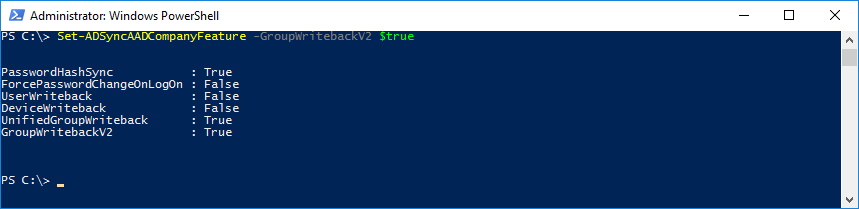
Let’s enable GroupWritebackV2
Set-ADSyncAADCompanyFeature -GroupWritebackV2 $true
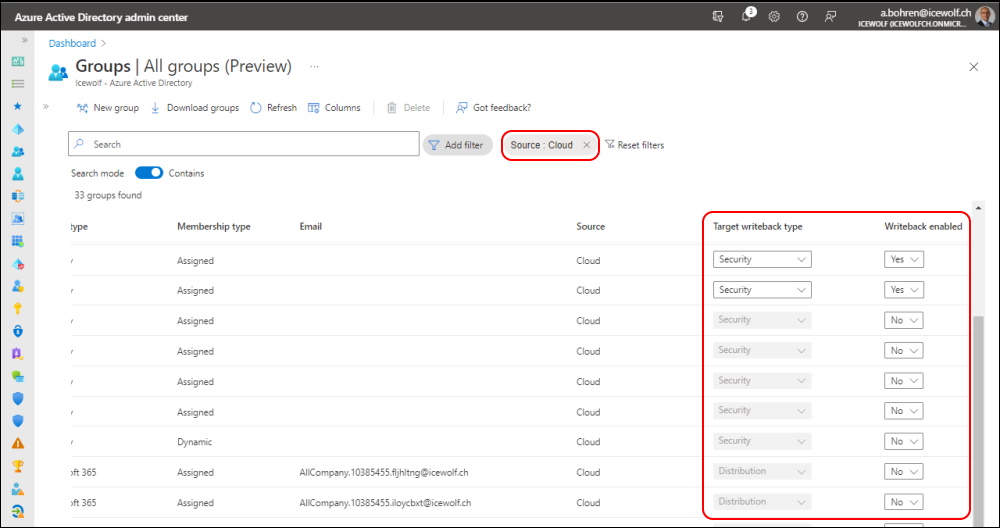
In Azure AD Admin Center you have to add the Columns
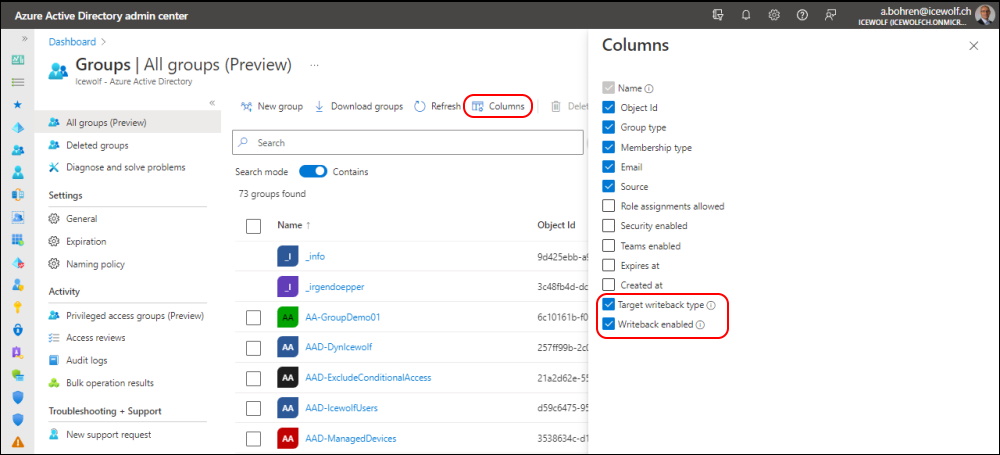
I’ve also added a Filter with “Source: Cloud”
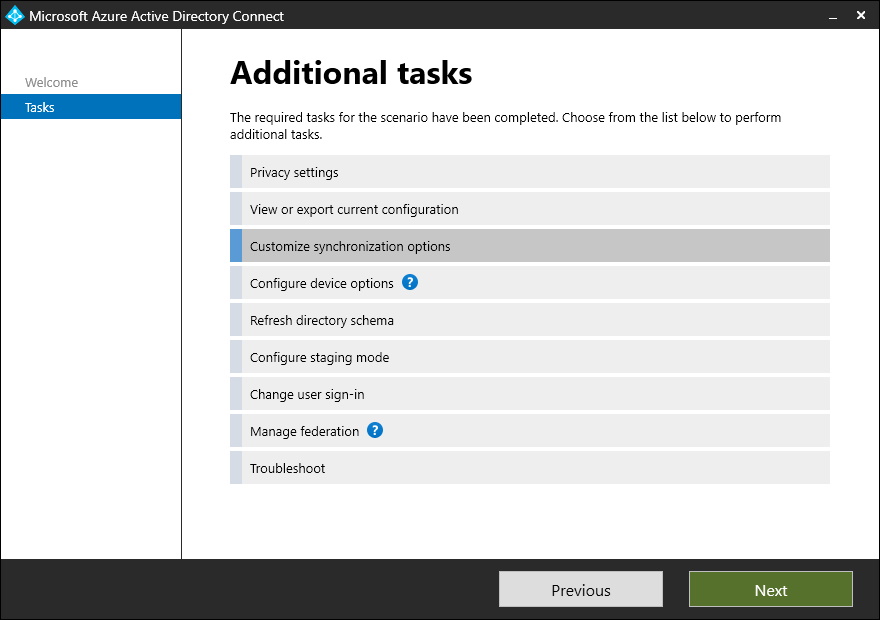
Started the AAD Connect Configuration
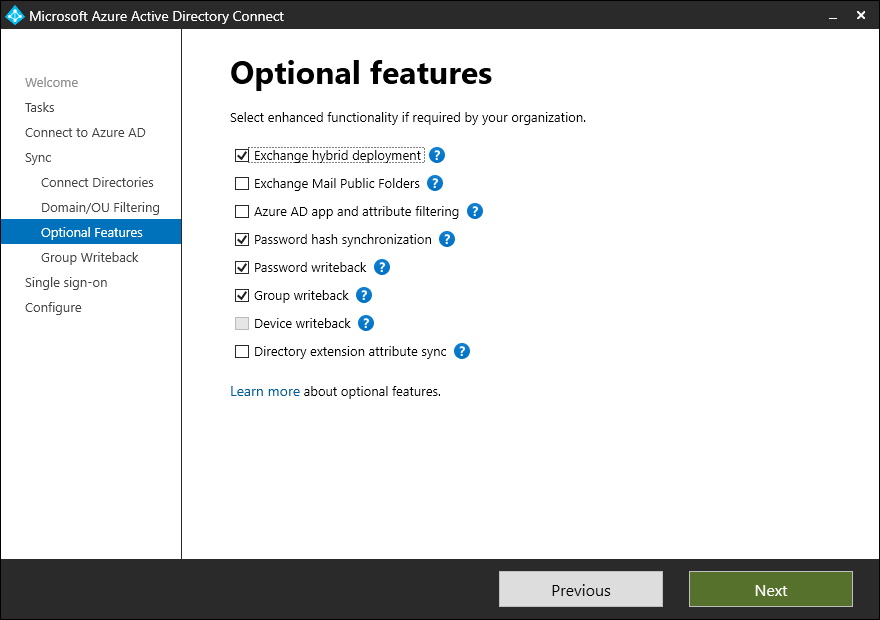
Group Writeback was already enabled.
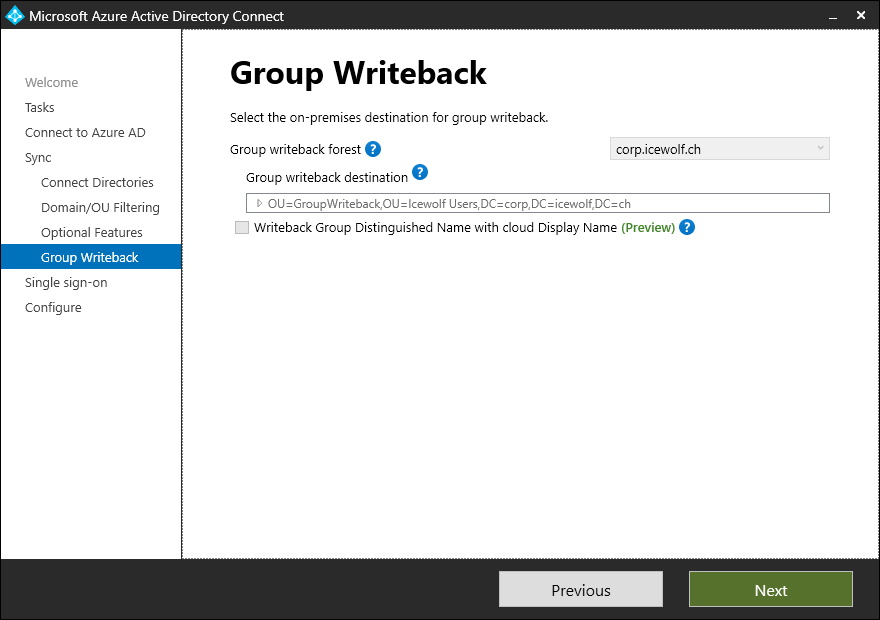
I could not select “Writeback Group Distinguished Name with Cloud Display Name”
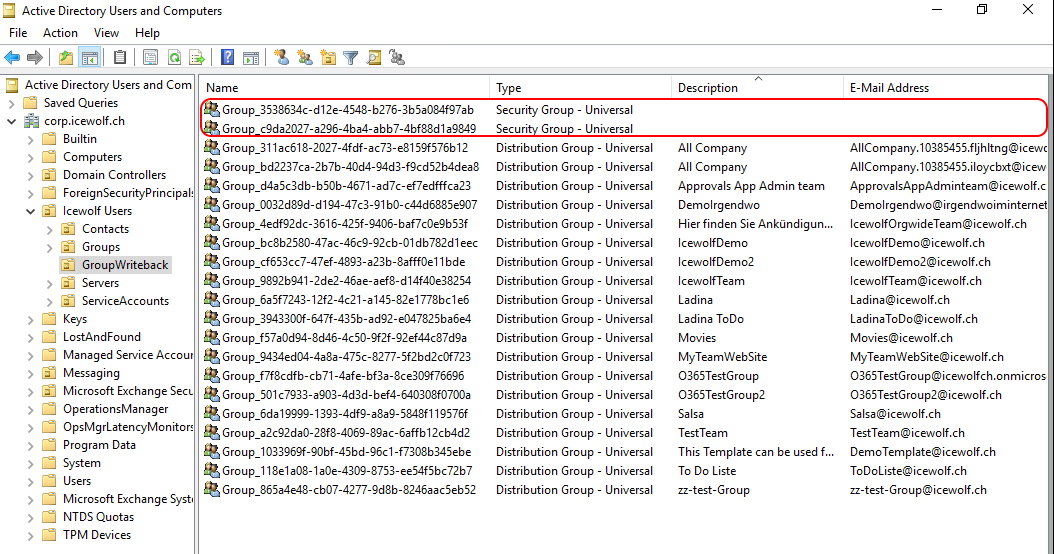
After the next SyncCycle i can see the two new Groups
Regards
Andres Bohren
