
Microsoft Teams Fluid Components
Hi All,
I’ve only worked a few Times with Loop Components in Teams so far.
Just a few things that are good to know:
- Loop Components are saved on OneDrive (with all the Hassle of one User leaving the Company)
- Loop Components can only used be on Chat (Channels not supportet so far)
- There are some Limitations to Loop Components with Compliance Search (no viewer so far)
Overview of Loop components in Teams https://docs.microsoft.com/en-us/microsoftteams/loop-components-in-teams
Manage Loop components in SharePoint https://docs.microsoft.com/en-us/sharepoint/manage-loop-components
First things to know about Loop components https://support.microsoft.com/en-us/office/first-things-to-know-about-loop-components-ee2a584b-5785-4dd6-8a2d-956131a29c81
Transforming creation and collaboration with Microsoft Loop components in Teams chat now available! https://techcommunity.microsoft.com/t5/microsoft-365-blog/transforming-creation-and-collaboration-with-microsoft-loop/ba-p/2972240
Check if the Fluid Settings in Sharepoint are enabled (was by default in my case)
Connect-SPOService -Url https://icewolfch-admin.sharepoint.com
Get-SPOTenant | fl *fluid*

Send a Loop component in Teams chat https://support.microsoft.com/en-us/office/send-a-loop-component-in-teams-chat-ca5252e7-8201-4490-a6d9-59f20df864c6
In the Chat cklick at the Fluid Symbol and select a Component
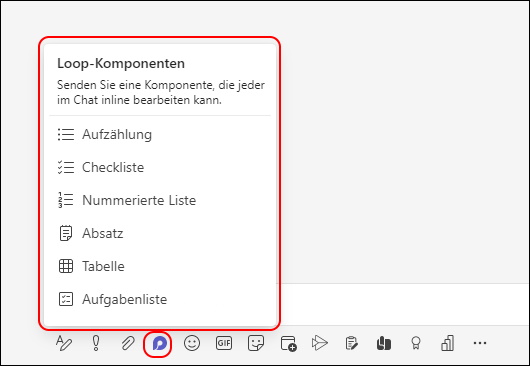
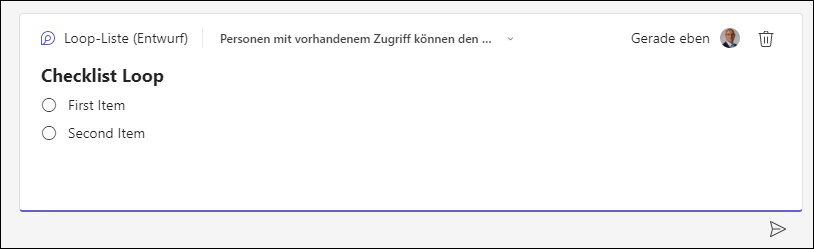
Give it a Tile and add the Items. Then hit send
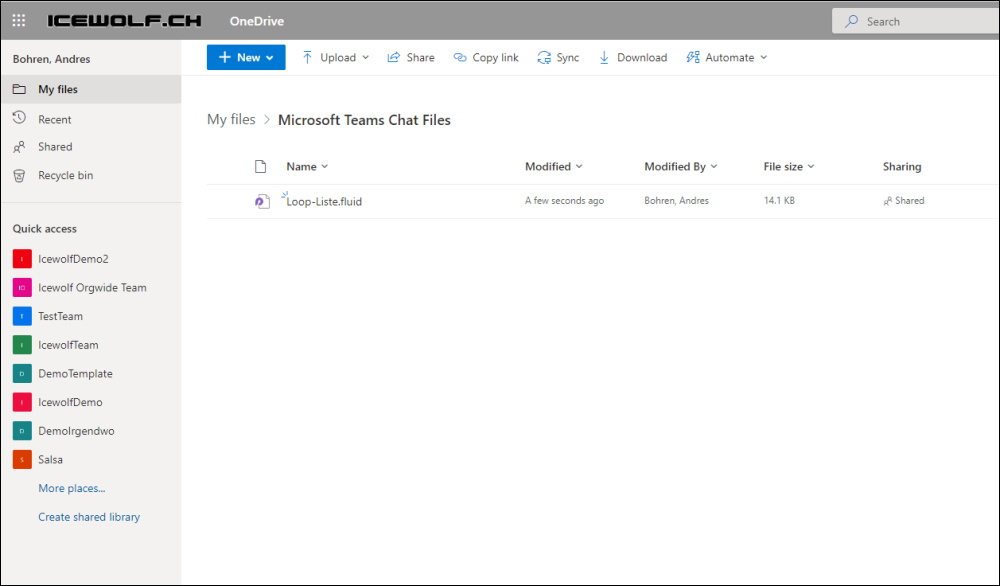
As you can see the *.fluid File has been saved on my OneDrive
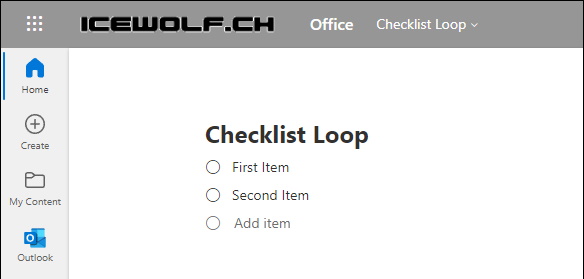
If you click on the Item, you can edit the Item in the Browser (works also with OneDrive Sync and opens the Browser too)
Regards
Andres Bohren
