
Understand and Remove PASSWD_NOTREQD Flag from userAccountControl
Hi All,
I’ve already blogged how to read the Active Directory Attribute “userAccountControl”
Today i came across some users that had the Property “PASSWD_NOTREQD” (Password not required) set. For a regular user you just can add 512 (NORMAL_ACCOUNT) + 32 (PASSWD_NOTREQD) = 544
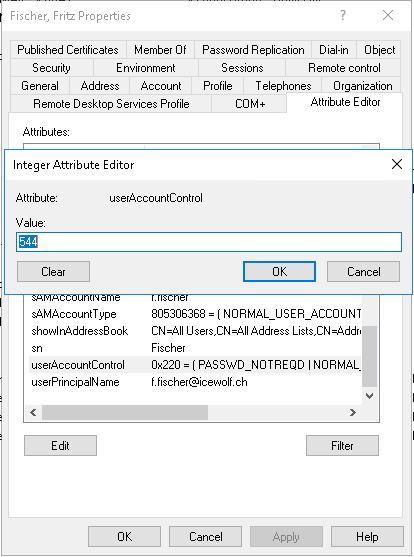
With the following Exchange Commandlet you can show the Attribute “userAccountControl”, which also translates the value.
Get-User -Identity f.fischer | fl userAccountControl

You can also get the same with the Active Directory Module
Get-ADUser -Identity f.fischer -Properties userAccountControl | fl
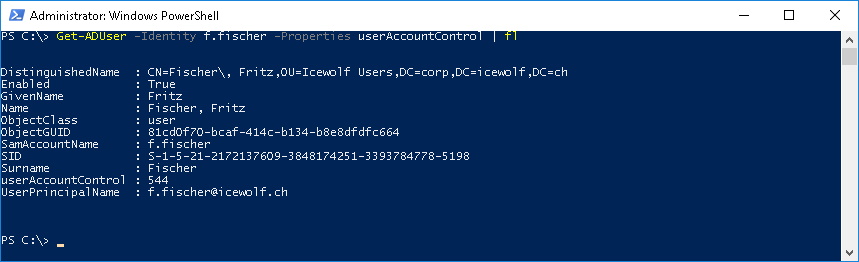
To show all accounts, which have the Flag “PasswordNotRequired” use the following command.
Get-ADUser -Filter {PasswordNotRequired -eq $true} | ft name, UserPrincipalName
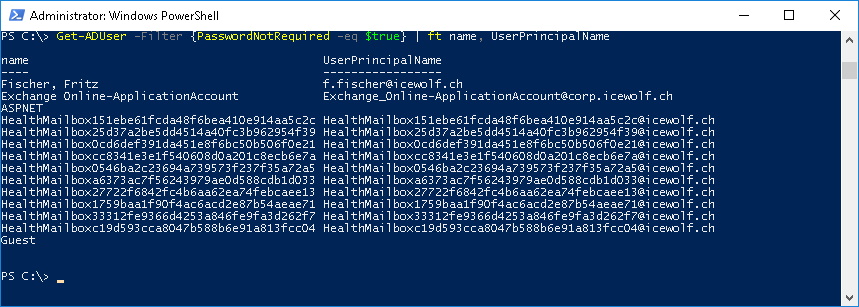
To remove the Flag “PasswordNotRequired” use this PowerShell Command
Set-ADUser -Identity f.fischer -PasswordNotRequired $false
Get-ADUser -Identity f.fischer -Properties userAccountControl | fl
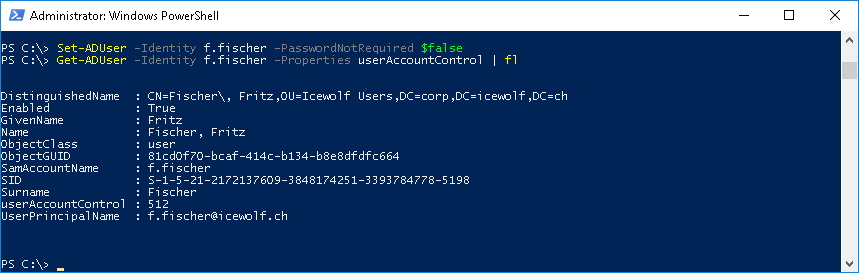
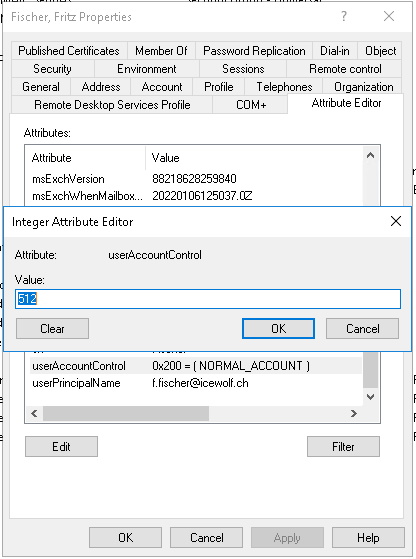
Now it’s back to 512 (NORMAL_ACCOUNT)
Get-User -Identity f.fischer | fl userAccountControl

More Information:
Best Regards
Andres Bohren
